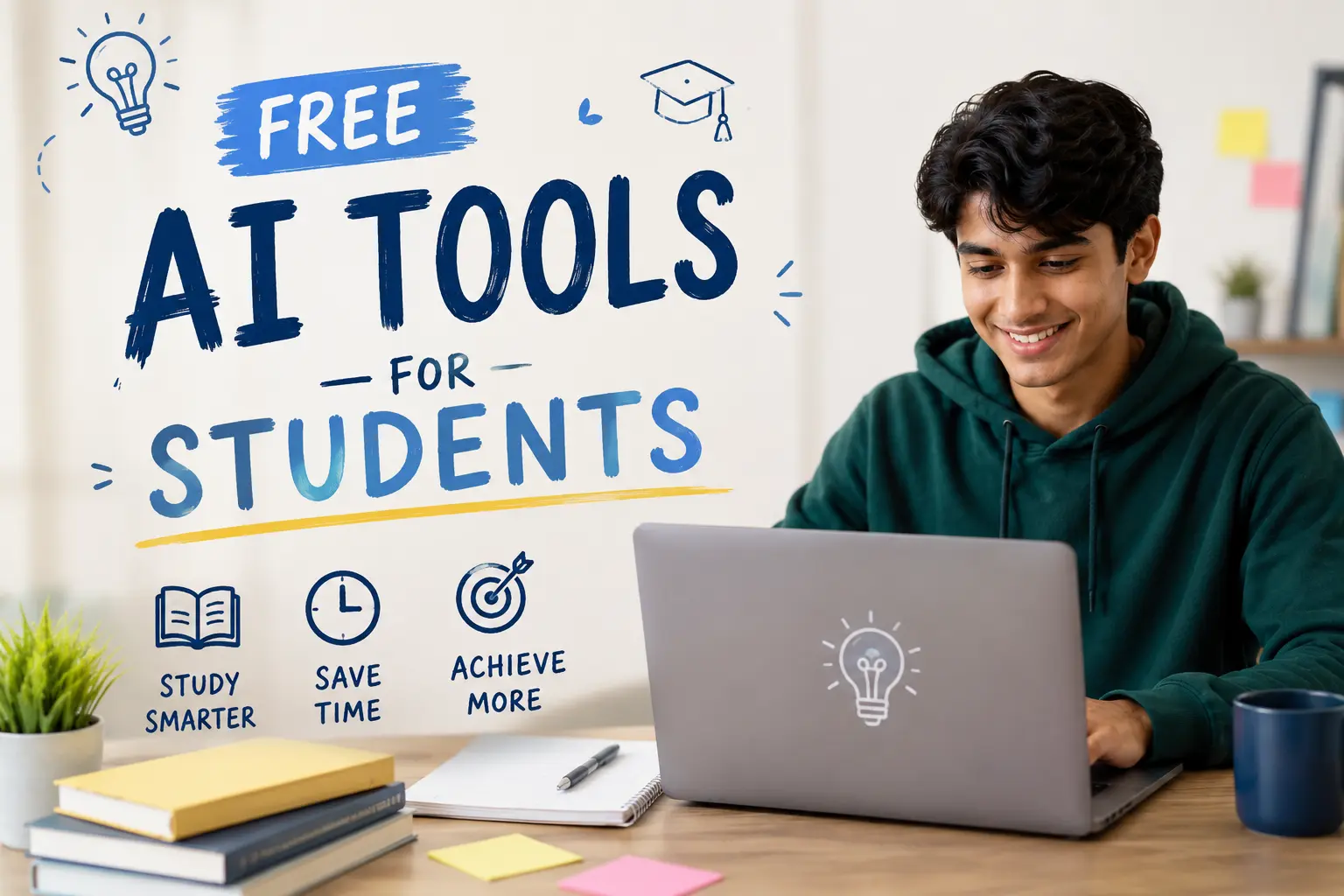
Okay, real talk — when I first started hearing about AI tools for studying, I rolled my eyes pretty hard. Another thing teachers would tell us to avoid, another thing that would probably just make me lazy. I figured it was either going to write my essays for me (bad) or be completely useless for anything serious (also bad).
But then I actually started using some of them. Not because I was looking for shortcuts — I was just drowning. Third year of college, four courses, a part-time job, and a sleep schedule that could generously be called "chaotic." I needed something to work smarter, not harder, and I didn't have money to throw at premium apps.
So I did what broke students do: I found the free stuff. And some of it? Genuinely changed how I study.
Here's what I actually use, what I tried and dropped, and what I think is worth your time.
First, Let's Be Honest About What AI Can't Do#
Before I get into the list, I want to say something that most "top AI tools" articles skip over: none of these replace understanding the material. I know that sounds like a boring disclaimer, but I mean it practically.
AI tools are most useful when you already have something to work with — notes you took, a concept you half-understand, a question you know you should be asking. If you walk in completely cold, you'll probably just end up with confident-sounding nonsense that will embarrass you on the actual exam.
Think of them like a really patient study partner who reads fast and never gets tired of explaining things. That's the mental model that made them click for me.
With that out of the way — here we go.
1. Claude (claude.ai)#
I'm not going to pretend this isn't the one I use most. It is.
What makes Claude different from just Googling something is the back-and-forth. If I'm reading a dense economics paper and I don't understand something, I can paste the paragraph in and say "explain what they mean here, like I'm smart but not an economist." And it actually does that. It doesn't dumb it down to the point of uselessness, and it doesn't just restate the same confusing sentence with different words.
Where I've found it most useful for studying specifically:
Breaking down complex readings. I study political science, so I deal with a lot of academic writing that is, honestly, written to impress other academics more than to communicate. Claude is genuinely good at pulling out the actual argument and explaining what the author is trying to say.
Explaining concepts I missed in class. There's always that one lecture where you zoned out or the professor explained something in a way that just didn't land for you. Instead of rereading the textbook three times hoping something clicks, I'll ask Claude to explain it differently, or ask for an analogy that makes sense.
Helping me prepare for discussions. Before seminars, I'll sometimes run through potential discussion questions and think out loud about them. It pushes back, asks clarifying questions, and helps me realize where my argument has holes before I'm in the room with actual people.
What it's not great for: Anything requiring recent data or real citations. It'll sometimes confidently reference sources that may not be accurate, so I always double-check anything specific against actual databases before putting it in a paper.
The free tier is pretty generous. I use it daily without hitting limits on most days.
2. NotebookLM (by Google)#
This one flew under my radar until a friend in my study group brought it up, and now I kind of can't imagine doing research without it.
The idea is simple: you upload your own documents — lecture slides, readings, notes, PDFs — and then you can chat with them. Ask questions, get summaries, find where specific ideas appear across multiple sources.
What makes it actually useful vs. just "neat":
When you're writing a paper and you have fifteen sources open in different tabs, things get messy. NotebookLM lets you dump them all in one place and then say "what do these three sources say about X?" or "which of these authors would disagree with this argument?" and it synthesizes across documents. It cites back to your actual materials, not the internet, so you can verify everything it pulls.
I used it heavily during finals when I had to compare primary sources for a history essay. Instead of rereading everything, I loaded it all in and basically interviewed my source material.
The audio overview feature is also kind of wild — it generates a fake podcast-style conversation about your uploaded material, which some people love and some find annoying. I've found it useful for commutes. Your mileage may vary.
The catch: It works best when you already have your material. It's not for research from scratch — it's for making sense of what you already have.
Free to use with a Google account.
3. Quizlet's AI Features (Free Tier)#
Quizlet has been around forever, and a lot of students already use it for flashcards. But the AI-assisted features are worth knowing about even on the free version.
The one I actually use: Magic Notes. You paste in your notes or a chunk of text, and it automatically generates flashcards from them. This sounds simple but saves so much time. Turning a lecture transcript or a page of notes into a study set used to take me 20-30 minutes of tedious card creation. Now it takes about two minutes.
The quality isn't perfect — sometimes it pulls trivia instead of key concepts — but it's a decent starting point and you can edit anything it gets wrong.
The free tier also still gives you access to basic spaced repetition practice, which is honestly one of the most evidence-backed study methods out there. Even without AI, the spaced repetition alone is worth having.
What's behind the paywall: More advanced AI explanations and some of the testing features. The core flashcard and basic practice stuff is free, though.
4. Wolfram Alpha#
This one's been around since before AI was a buzzword, and it still doesn't get enough credit.
If you're in any math, physics, chemistry, or statistics-heavy course, Wolfram Alpha is non-negotiable. Free. Always available. Doesn't just give you the answer — it shows the steps.
The part I think students underuse: type in a word problem, not just an equation. It can often parse natural language and figure out what you're actually asking. "What is the derivative of 3x^2 + 5x - 7" gets you a full worked solution with a graph. "How much does a 500g sample of carbon-14 weigh after 3 half-lives" actually processes and answers.
It won't write your analysis or explain why the concept works conceptually — for that I'd go back to Claude. But for computation, it's faster and more reliable than any AI chatbot.
Still free for most calculations. Some advanced features require a pro account, but most undergrad-level math is covered in the free tier.
5. Otter.ai (Free Plan)#
This one is for lectures.
Otter.ai transcribes audio in real time. You open the app, press record at the start of class, and at the end you have a searchable transcript of the whole lecture.
I was skeptical about this one because I figured I'd just never look at the transcript. But the way I actually use it is different: I still take my own notes by hand (I think it helps me retain things), but then afterward I use the transcript to fill in the gaps. That moment where the professor said something important and you were still writing the previous sentence? It's in the transcript.
The free plan gives you 300 minutes of transcription per month. For most students, that's enough to cover a few lectures. If you're in a lot of long lectures, you might hit the limit, but for selective use it's solid.
Important note: Some professors have policies against recording. Check before you use this — it's your responsibility to know the rules in your institution.
Also, the transcription accuracy drops in large lecture halls with bad acoustics. Sit closer to the speaker if you can.
6. Perplexity AI#
Think of Perplexity as a search engine that actually synthesizes information instead of just listing links.
When I want to understand a topic quickly and broadly — like before a class where I haven't done the reading (not that that ever happens) — Perplexity gives me a solid overview with actual citations I can click through. It's pulling from real sources and showing me where it got information.
It's better than Google for academic questions because it gives you a coherent answer rather than making you read through a dozen different pages. It's worse than Google for finding specific resources, navigating to particular websites, or anything where you actually need the raw search results.
I use it mostly as a "give me context on this topic in two minutes" tool before diving into the actual readings. It doesn't replace the readings, but it means I'm not going in completely cold.
The free version is genuinely pretty capable. There's a pro version with more features, but I've gotten a lot of value without ever paying.
7. Anki (Free, Forever)#
Okay, this one is technically not AI in the modern chatbot sense, but it uses an algorithm that adapts based on your performance — which is the part that matters for studying.
Anki is spaced repetition flashcard software. It shows you cards at intervals based on how well you remember them — cards you struggle with come back sooner, cards you nail come back later. Over time, this is one of the most effective ways to actually retain information long-term, not just cram and forget.
It's free on desktop and the web. (The iOS app costs money for some reason — just use the web version on your phone if you're on iPhone.)
The learning curve is a bit steep. Making good Anki cards is a skill in itself — too broad and they're useless, too specific and you're memorizing trivia. But once you get the hang of it, especially for things like med school, law school, languages, or any course with a lot of terminology and facts, it's kind of incredible.
There are also huge shared decks made by other students for common courses. Anatomy, pharmacology, bar exam prep, language vocabulary — a lot of this already exists and you can just download it.
The Stuff I Tried and Dropped#
Being honest here seems useful, so:
ChatGPT (free tier): I know this is the most famous one, and it's genuinely good. I dropped it mostly because I found Claude's responses more useful for the kind of analytical work I do, and I didn't want to maintain two accounts. But for a lot of students, especially in STEM, ChatGPT is probably the better fit. The free version now runs on a capable model and is worth trying.
Grammarly's AI features: The basic grammar stuff is fine. The AI writing assistant kept trying to make my essays sound like press releases. Hard pass.
Various AI summarizer tools: There are a dozen apps that promise to summarize YouTube videos or articles. Most are fine, actually. I just stopped using them because NotebookLM and Claude cover the same ground for my needs.
How I Actually Structure My Studying With These Tools#
In case a workflow is more useful than a list:
Before class: Skim the topic on Perplexity to get oriented. Spend five minutes max.
During class: Take notes normally. Run Otter.ai if the lecture is dense and I'm worried about gaps.
After class: Go back through my notes and fill gaps using the Otter transcript. For anything I still don't understand, ask Claude.
When it's time to actually study: Upload my materials into NotebookLM and create a study set in Quizlet from key concepts. Review Anki decks daily for memorization-heavy subjects.
Before an exam: Talk through practice questions with Claude, identifying where my reasoning goes wrong. Wolfram Alpha for any problem sets.
It sounds like a lot written out, but most of these steps are short — fifteen minutes here, five minutes there. The goal is to actually understand things a little bit each day rather than panicking at the end.
One Honest Warning#
There's a version of using these tools that helps you learn, and a version that just creates the appearance of studying.
Asking Claude to explain a concept so you can actually understand it: good. Asking Claude to write a summary of a chapter so you never have to read it: probably going to come back to bite you.
The shortcuts are tempting, especially when you're stressed. But these tools work best when they're filling gaps in your own understanding, not replacing the understanding entirely. That's not a moral lecture — it's just practical. You have to walk into the exam or the job interview with something in your head, and AI isn't coming with you.
Use them as amplifiers. Bring something to the table, and they'll help you get more out of it.
Final Thoughts#
If I had to pick just three for a student who's starting from scratch: Claude for understanding concepts and thinking through ideas, NotebookLM for making sense of your own course materials, and Anki for actually retaining what you've studied over time. Those three together cover most of what matters.
Everything else on this list is genuinely good, but those three are the ones I'd defend if someone told me to pick.
None of them cost money for the core features. All of them have been tested on actual coursework by an actual student who was not always fully prepared and definitely procrastinated more than planned.
Good luck out there.
Have a tool that's been useful for you that I didn't mention? Drop it below — I'm always looking for things that actually work.