Best AI Tools for Students in 2026: Complete Guide
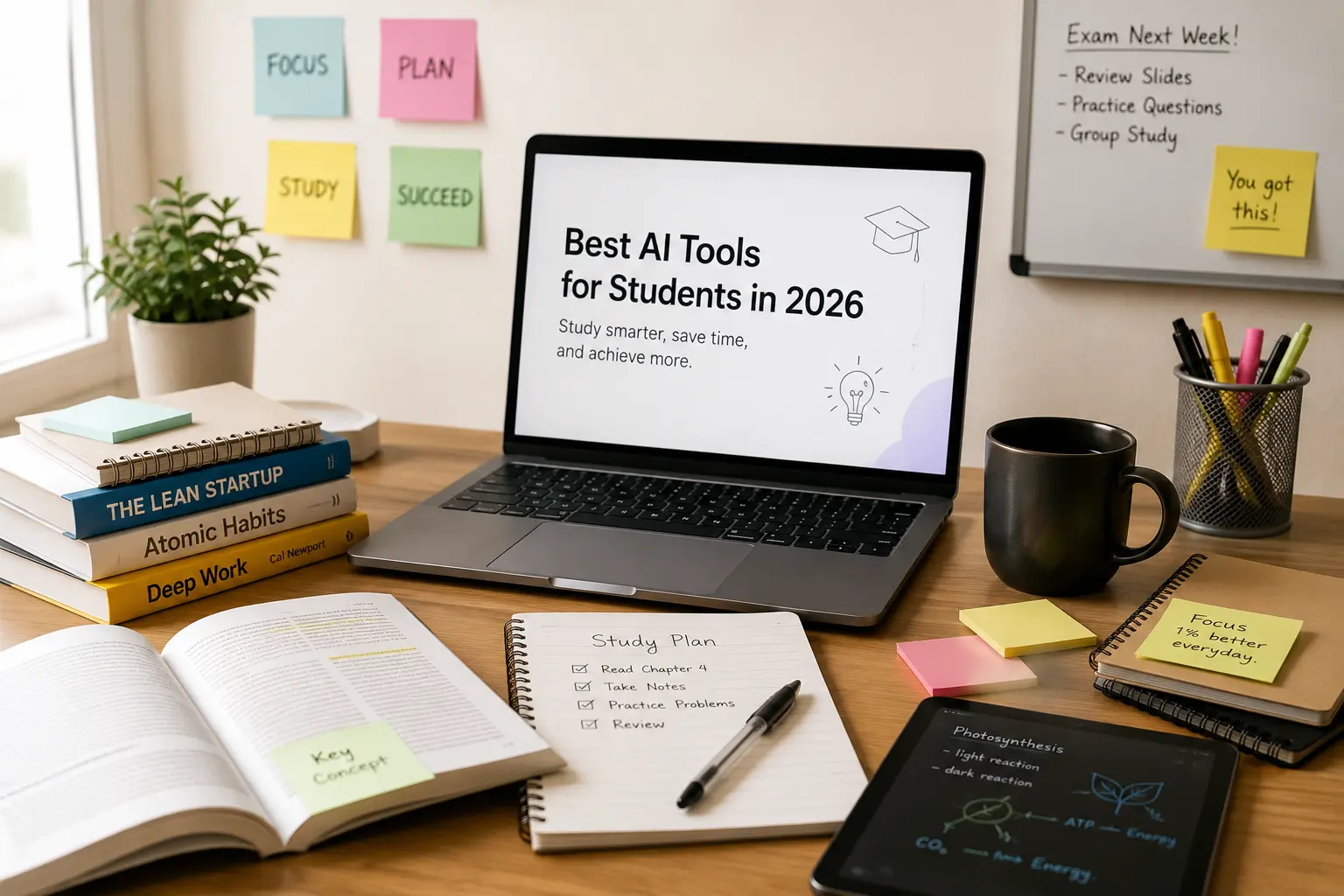
Getting through high school or college can feel like trying to drink from a firehose. The readings pile up, the assignments get harder, and you are constantly wishing for a few extra hours in the day. Fortunately, technology has evolved. By 2026, artificial intelligence isn't just a gimmick to generate funny images; it has become an essential study partner.
But with hundreds of new apps launching every week, how do you know which ones are actually worth your time and which ones are just glorified web search engines?
In this comprehensive guide, we will look at the best AI tools for students in 2026. We will dive deep into how these tools work, look at practical real-world examples, and discuss how you can use them ethically to boost your grades and save hours of study time every single week.
Why Students Are Using AI Tools#
For decades, studying meant sitting in a library corner, highlighting pages of a textbook, and staring at a blank document trying to write an essay introduction. If you got stuck on a complex physics formula or didn't understand a line of Shakespeare, you had to wait for office hours or hire an expensive tutor.
AI has changed that equation. Students are using AI tools not to cheat, but to customize their learning experience. Here is why:
- Personalized Explanations: Everyone learns differently. If your professor's explanation of photosynthesis isn't clicking, an AI can reframe it as a culinary recipe, a sports analogy, or a simple step-by-step process.
- Instant Feedback: You don't have to wait two weeks to get feedback on a rough draft. AI tools can review your writing for structure, flow, and grammar in seconds.
- Active Recall and Practice: Instead of passively reading notes, you can use AI to build custom quizzes, flashcards, and mock exams based on your syllabus.
- Time Management: From scheduling study sessions to summarizing lengthy PDF research papers, AI takes care of the repetitive prep work so you can focus on actual learning.
How AI Is Changing Education#
Education is undergoing a major shift. In the past, schools focused heavily on memorization. Today, in 2026, information is everywhere. The key skill is no longer just knowing the facts, but knowing how to find them, verify them, and apply them.
AI tools act as interactive, 24/7 tutors. They help you bridge the gap between confusion and clarity. Rather than giving you the answers on a silver platter, the best AI tools guide you through the process of problem-solving. For example, if you feed a calculus problem to a modern AI tool, it won't just output x = 42. It will show you the algebraic transformations, explain the calculus rules applied at each step, and offer a practice problem to test your understanding.
Let's take a look at the absolute best AI tools for students available right now.
Top 10 AI Tools for Students#
Here is our curated list of the top 10 AI tools that every student should consider adding to their digital backpack in 2026.
1. ChatGPT#
Developed by OpenAI, ChatGPT remains the most versatile all-rounder AI assistant. In 2026, ChatGPT is powered by advanced models that can browse the web in real-time, execute Python code on the fly to solve math problems, and analyze files like PDFs and Excel sheets.
- Best For: Brainstorming, general explanation, and solving analytical problems.
- Student Case Study: Sarah, a biology major, uses ChatGPT to understand complex cellular processes. She uploads her lecture slides and asks, "Explain the Krebs cycle in simple terms as if I am 12, then give me an analogy using an assembly line in a factory."
- Pros: Highly versatile, fast response times, great at coding.
- Cons: Free tier has usage limits on the most advanced models.
2. Gemini#
Google's Gemini is deeply integrated into the Google Workspace ecosystem (Docs, Slides, Drive) and has a massive context window. This makes it perfect if your school relies on Google Classroom or if you do a lot of research using large documents.
- Best For: Analyzing extremely long documents and seamless integration with Google Workspace.
- Student Case Study: Lucas is working on a history term paper. He uploads three different PDFs of historical journals (each over 100 pages) into Gemini and asks, "Based on these documents, what were the main economic drivers of the events of 1848? Cite the document names."
- Pros: Huge file capacity, real-time access to Google Search, integrates with Docs and Sheets.
- Cons: Sometimes overly cautious in its answers.
3. Claude#
Developed by Anthropic, Claude is widely considered the best AI tool for long-form writing and programming. Claude's responses feel exceptionally natural, articulate, and human-like. It avoids the typical "robotic" jargon that other AI models sometimes produce.
- Best For: Writing assistance, editing drafts, and debugging complex programming assignments.
- Student Case Study: Maya, a literature student, drafts her essays and pastes them into Claude. She prompts: "Analyze my draft for logical flow. Are there any weak arguments? Do not rewrite the essay for me, just give me bullet points of constructive criticism."
- Pros: Outstanding writing quality, highly logical, excellent coding capability.
- Cons: Free plan has relatively strict daily message limits.
4. Perplexity#
Perplexity is an AI-powered search engine that aims to replace standard Google searches. Instead of giving you a list of links that you have to click through, Perplexity reads the top web pages and writes a comprehensive summary with inline citations.
- Best For: Research, fact-checking, and finding credible academic sources.
- Student Case Study: James is writing a paper on renewable energy trends. Instead of searching Google, he types: "What is the current efficiency rate of commercial perovskite solar cells in 2026?" Perplexity provides a paragraph summary citing research papers from Nature and academic journals.
- Pros: Always cites sources, real-time web access, reduces research time by hours.
- Cons: Not designed for creative tasks or deep conversations.
5. Notion AI#
Notion is already the go-to note-taking app for millions of students. With Notion AI, the assistant is built right into your workspace. It can clean up your notes, generate summaries, translate languages, and extract action items from your lecture transcripts.
- Best For: Note-taking, organization, and study scheduling.
- Student Case Study: Chloe records her sociology lectures, pastes the transcript into Notion, and uses the spacebar to trigger Notion AI: "Turn this transcript into a clean set of Cornell Notes with key terms on the left and a summary at the bottom."
- Pros: Lives where you take notes, great formatting options, helps organize chaotic thoughts.
- Cons: Requires a paid add-on subscription.
6. Grammarly#
Grammarly has evolved far beyond a basic spellchecker. In 2026, Grammarly's AI helps you rewrite entire sentences to adjust tone, ensure clarity, and match academic standards. It also includes an advanced plagiarism checker to ensure your citations are clean.
- Best For: Polish, proofreading, and improving writing mechanics.
- Student Case Study: Daniel writes his chemistry lab reports in Google Docs. Grammarly runs in the background, suggesting vocabulary changes to make the report sound more scientific and objective.
- Pros: Excellent integration across web browsers and word processors, reliable suggestions.
- Cons: Advanced rewriting recommendations require a premium plan.
7. Canva AI#
Visuals are a crucial part of presentations and poster sessions. Canva AI includes features like "Magic Design" and text-to-image generator, allowing students to design stunning slideshow decks, infographics, and report covers by simply typing what they want.
- Best For: Graphic design, presentation slides, and visual projects.
- Student Case Study: A group of marketing students needs to pitch a product concept. They use Canva AI to generate a consistent color scheme, template layout, and realistic product mockups based on a simple text prompt.
- Pros: User-friendly interface, thousands of templates, free education plan for many schools.
- Cons: AI-generated images can sometimes look artificial if not refined.
8. Gamma#
Gamma is an innovative presentation builder. Instead of spending hours styling individual PowerPoint slides, you can type a topic outline into Gamma, and it will generate a complete, beautifully designed presentation deck, webpage, or document in less than a minute.
- Best For: Fast slide deck creation and quick layout prototyping.
- Student Case Study: Alex forgot he had an astronomy presentation due the next morning. He feeds Gamma the prompt: "Create an 8-slide presentation explaining the lifecycle of a star, using a dark sci-fi aesthetic." Gamma delivers a ready-to-present draft, which Alex easily customizes with his specific data.
- Pros: Rapid generation, modern block-based designs, highly interactive layouts.
- Cons: Customization options can feel limiting if you want total control.
9. Otter AI#
Otter AI is a transcription and meeting assistant. For students, this means you can place your phone or laptop near the lecturer (with permission!) and Otter will transcribe the lecture in real-time, identify different speakers, and automatically highlight key terms and action items.
- Best For: Lecture transcription and review.
- Student Case Study: Sofia has difficulty keeping up with her professor's fast talking speed while taking notes. She runs Otter during class, allowing her to actively listen and participate, knowing she has a perfect, searchable transcript to review later.
- Pros: High transcription accuracy, searchable text, automatically generates chapter summaries.
- Cons: Audio quality highly impacts transcription accuracy; free tier has limited minutes.
10. Quizlet AI#
Quizlet's study software is now supercharged with AI tutor "Q-Chat". Instead of just memorizing vocabulary cards, Q-Chat engages you in a chat dialogue, asking you questions, testing your understanding, and adapting to your weak spots.
- Best For: Active recall, vocabulary study, and test prep.
- Student Case Study: Tom is studying for his Spanish midterm. Q-Chat acts as a conversational partner, asking him questions about his day in Spanish and gently correcting his grammar and verb conjugations.
- Pros: Highly engaging, scientifically backed study methods, great for language and terms.
- Cons: The AI tutor features are locked behind Quizlet's premium tier.
Comparison Table: Which Tool for Which Task?#
| Task | Best Tool | Alternative | Why? |
|---|---|---|---|
| Finding Sources | Perplexity | Gemini | Gives inline citations and web searches in real-time. |
| Drafting Essays | Claude | Grammarly | Claude writes with a more natural, fluid, and academic tone. |
| Solving Math/Coding | ChatGPT | Claude | ChatGPT runs Python scripts to compute exact mathematical answers. |
| Creating Slides | Gamma | Canva AI | Gamma builds complete decks in seconds from a single text prompt. |
| Language Learning | Quizlet AI | ChatGPT | Quizlet's Q-Chat is structured specifically for active recall testing. |
How to Choose the Right AI Tool#
With so many choices, it is easy to suffer from app fatigue. Here is a simple framework to help you choose which tool to open:
- Understand your goal: Are you researching? Use Perplexity. Are you styling a presentation? Use Gamma. Are you editing a paper? Use Claude.
- Evaluate the pricing: Most tools offer a generous free tier. Do not pay for a premium subscription unless you find yourself hitting the daily limits every day for at least two weeks.
- Verify ease of use: Choose tools that integrate easily with what you already use. If you take notes in Notion, use Notion AI. If you live in Google Docs, use Gemini or the Grammarly extension.
Common Mistakes Students Make with AI#
Using AI tools effectively is a skill. Many students make simple mistakes that hurt their grades or lead to academic integrity issues.
1. Copying and Pasting Directly#
This is the most critical mistake. Not only does it violate academic integrity policies, but AI-written text is often easy to spot. It can contain factual errors (known as "hallucinations") and uses repetitive, predictable vocabulary. Always treat AI output as a rough draft that you must rewrite, fact-check, and format in your own voice.
2. Trusting AI Math and Facts Blindly#
AI models are predictive text engines; they do not "think" the way humans do. If you ask an AI for a complex mathematical proof, it might write out steps that look correct but are actually mathematically impossible. Always doublecheck the final answers using a calculator or cross-referencing your textbook.
3. Ignoring the Syllabus Policy#
Every school and every professor has a different policy regarding AI. Some welcome it for brainstorming, while others ban it completely. Make sure you read the syllabus for each of your classes. If in doubt, ask your teacher: "Hey, is it okay if I use ChatGPT to brainstorm essay outlines, as long as I write the actual paper myself?"
FAQ: Frequently Asked Questions#
Will using AI tools get me flagged for plagiarism?#
It depends on how you use them. If you copy and paste text directly, yes, you run a high risk of being flagged by plagiarism detectors or AI classifiers. However, using AI to outline an essay, explain a concept, or proofread your own writing is generally accepted as a study aid. Always check your university's guidelines.
What is the best free AI tool for students?#
For general utility, ChatGPT's free tier is exceptional. If you are doing academic research, Perplexity's free tier is the most valuable because it links to original sources.
Can AI solve math word problems?#
Yes, but you should use a model that has code execution capabilities (like ChatGPT with Advanced Data Analysis). These models write a Python script to calculate the mathematical result, which makes them far more reliable than models that try to guess the answer using text prediction.
Conclusion#
AI tools are transforming how we learn, but they do not replace the hard work of thinking. The most successful students in 2026 are not using AI to avoid learning; they are using it to learn faster, deeper, and more efficiently.
Start by choosing one or two tools from this list—perhaps Perplexity for research and Claude for writing help—and integrate them into your study routine. You will be amazed at how much more control you feel over your academic workload.
Looking to compare more artificial intelligence tools for different tasks? Head over to our FindUrAI home page to search and filter through hundreds of AI tools categorised by feature, price, and capability.