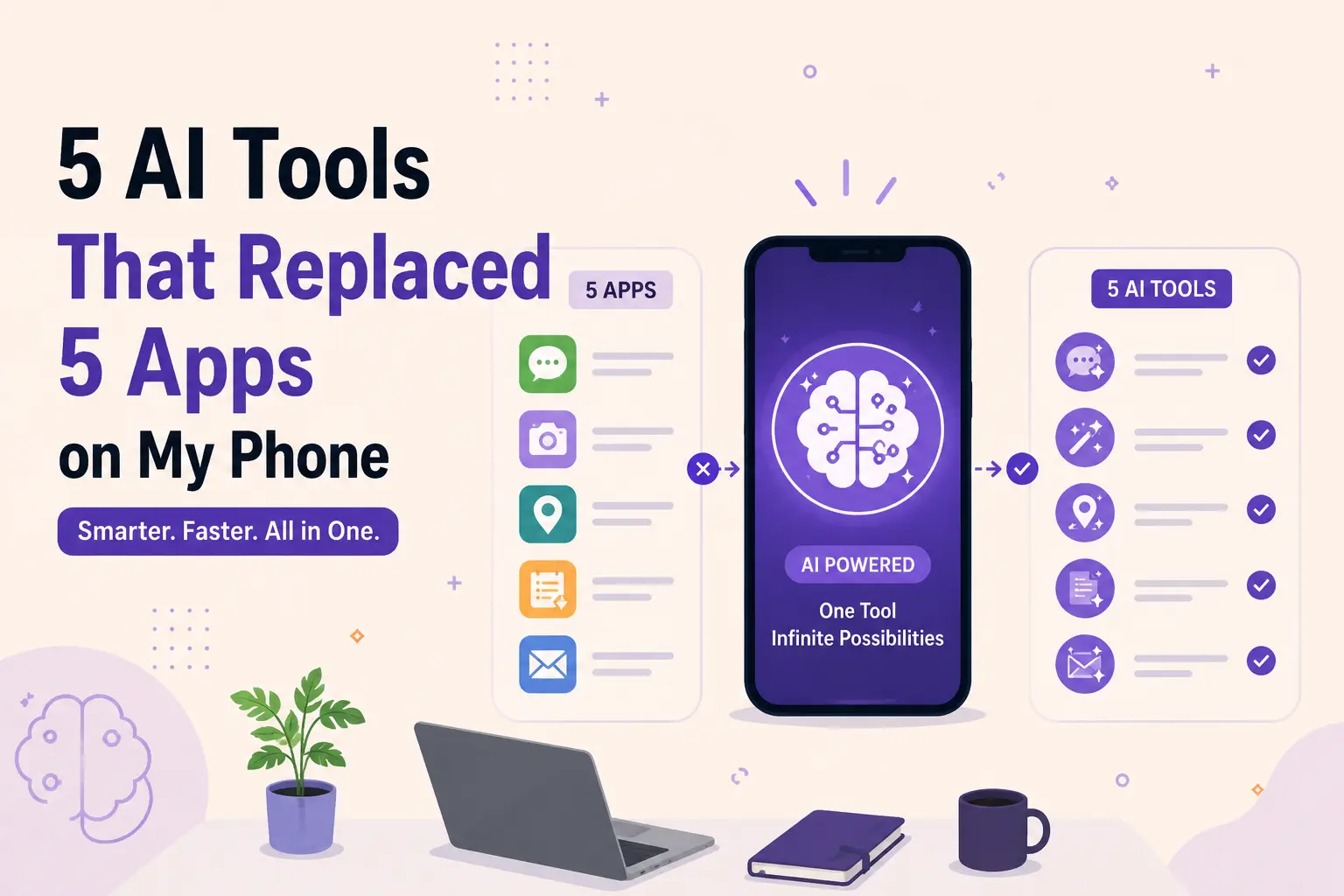
5 AI Tools That Replaced 5 Apps on My Phone
A couple of months ago I was cleaning up my phone — you know, that ritual where you open your home screen, sigh at the 40-something icons staring back at you, and start dragging things into a folder called "misc" that you'll never open again. Except this time I actually deleted stuff. Five apps, specifically. Not because they stopped working, but because I realized I hadn't opened them in weeks. An AI tool had quietly taken over the job without me even deciding to switch.
I want to walk through exactly what got replaced, because I think there's a pattern here that's bigger than just "AI is cool now." It's more that a handful of single-purpose apps I paid for or tolerated ads on turned out to be doing something a general-purpose AI tool does just as well, if not better, with way less friction.
I'm not going to pretend every app on my phone is now obsolete — plenty aren't. But these five swaps genuinely changed how much stuff I carry around in my pocket, mentally and literally.
1. My note-taking app → ChatGPT (with voice memos)#
I used a dedicated note app for years. Good app, honestly — clean interface, decent search, synced across devices. My problem was never the app itself. It was me. I'd jot something down and then never look at it again because the note was just... a fragment. "Call dentist." "Idea for blog thing — ask about pricing tiers." Cool, thanks, past me, very helpful.
What changed things was realizing I could just talk to ChatGPT the way I'd talk to a smart assistant who also happens to remember context from earlier in the conversation. I'll record a rambling two-minute voice note about something I'm thinking through — a project idea, a decision I'm stuck on, whatever — and instead of it sitting there as a raw transcript I never revisit, I ask it to turn the ramble into three action items and a one-line summary. It's not that the note app couldn't hold text. It's that nothing was doing anything with the text.
The honest truth is I still technically have the notes app installed. I just haven't opened it since April.
2. A grammar/writing checker → Claude#
This one surprised me the most. I'd used a grammar checker browser extension and app combo for something like six years — mostly for emails and the occasional blog draft. It's a solid product, genuinely, and it caught real mistakes. But it only ever told me what was wrong. Comma splice here, passive voice there, tone slightly too casual for this context. Fine. Useful. Also kind of a nag.
Switching over to using Claude for the same job changed the interaction completely, because now I can just say "this email feels too stiff, can you loosen it up but keep it professional" and get an actual rewrite instead of a red squiggly line and a vague suggestion. Or I'll paste in three sentences and ask "does this sound like I'm annoyed?" because sometimes you genuinely can't tell from inside your own head whether you're being short with someone or just being concise.
I kept the grammar app around for a while out of habit. Deleted it last month. Didn't miss it once.
3. A journaling app → Rosebud#
I want to be careful how I frame this one because I don't think AI should replace an actual journaling habit for everyone, and I'm definitely not saying it's therapy. But my journaling app had turned into something I opened, stared at a blank prompt for thirty seconds, and closed. The prompts were nice in theory — "what are you grateful for today" — but they started to feel like homework from an app I was paying $6.99 a month for. I'd open it, see the streak counter guilt-tripping me from 0 days again, and just close it without writing anything. Some months I opened it four times total.
What actually replaced it was Rosebud, which is basically an AI journal built specifically for this — not a general chatbot I was repurposing, an actual app designed around the idea of journaling as a conversation instead of a form. The difference sounds small until you use it. Instead of a blank text box waiting for you to perform reflection on command, it asks you something specific based on what you wrote yesterday — not a generic prompt bank, an actual follow-up. If I mentioned being stressed about a deadline on Monday, Tuesday's check-in might ask how that deadline went, not "what are three things you're grateful for" pulled from a rotation of 200 stock prompts.
The other thing that got me was the weekly summary. Every Sunday it pulls together what I'd written that week and shows me actual patterns — not therapy-speak, just "you mentioned feeling behind on X three separate times this week" kind of stuff. My old app had a mood chart that was basically decorative. This one felt like something was actually reading what I wrote and doing something with it.
I'm aware this sounds a little bit like I'm describing a diary that talks back, and yeah, that's basically what it is. I'm not embarrassed about it. The old app is gone; the habit stuck around, and I've written more in the last two months than the previous year combined. If you want to see how it stacks up against a couple of similar tools, we've got Rosebud's full profile with pros, cons, and pricing.
4. A background-removal app → Photoroom#
This one's the most straightforward swap on the list, and also the one where the AI tool isn't even close — it's just objectively better. I used to have a dedicated background-removal app, the kind that does exactly one thing: you upload a photo, it cuts out the subject, you export a PNG with a transparent background. Mostly I used it for product shots and the occasional profile picture with a clean white background for work stuff. It did the one job fine. It also plastered a watermark across every free export, capped resolution unless I paid, and took a solid 10–15 seconds to process each image with a spinner that made it feel a lot more computationally serious than "delete pixels around an outline" actually is.
Photoroom does the same background cut in about the same amount of time — honestly maybe a second or two faster — but that's genuinely the least interesting part of what it does now. Once the background's gone, I can generate a completely new one instead of just leaving it transparent: a plain studio backdrop for a product photo, an outdoor scene, a solid brand color that matches whatever I'm posting. It also upscales images that came out of my phone camera a little soft, and it'll clean up shadows and reflections that used to require actually opening a real editor. My old app did one step of a five-step process and called it done. Photoroom does the whole thing in the same tap.
The part that actually got me to delete the old app, though, was batch processing. I had maybe 30 product photos to clean up for a small side project last month, and doing them one at a time in the old app would've taken close to an hour between uploads and exports. Photoroom chewed through the batch in a few minutes. Once a tool starts doing five things instead of one, for free or close to it, the math on keeping a narrow single-purpose app around just stops making sense.
If you're doing anything with product photography, thumbnails, or profile pictures, it's worth trying before you reach for a background-removal app that only does the one thing — you can see Photoroom's details and pricing here, and there's a broader list of AI image tools if background removal is only part of what you need.
5. A budgeting spreadsheet app → ChatGPT with a plain export#
Okay, this last one isn't a full replacement and I want to be honest about that. I still use a real banking app for actual transactions, obviously. But I had a separate budgeting app layered on top — the kind that syncs your accounts and gives you pie charts and "insights" that are mostly just telling you that you spent a lot on food delivery, which, yes, I know, thank you, app.
What replaced it was exporting a CSV of my spending once a month and just handing it to ChatGPT with a prompt like "categorize this and tell me what changed from last month, and flag anything weird." It does the categorization instantly, it's more flexible about how I want the breakdown (by week, by category, by "things I could actually cut"), and it doesn't try to sell me a premium tier to unlock a feature I already had access to. It's not real-time and it's not automatic, and for some people that matters a lot. For me, once a month was plenty, and I'd rather spend two minutes exporting a file than open an app that guilt-trips me with a red notification badge.
So what's actually going on here#
Looking at the pattern across all five, it's not really about AI being magic. It's that a lot of the apps I'd installed over the years were solving one narrow slice of a problem, and once I had a tool that could reason about text, images, and context together, that narrow slice stopped needing its own dedicated app. The value wasn't "AI is smarter than the app." The value was consolidation — fewer logins, fewer subscriptions I forget to cancel, fewer places my data is scattered across.
There's also a real cost-saving angle I didn't expect going in. Between the grammar checker, the photo background tool, and the journaling app, I was paying somewhere around $20 a month combined for things that a couple of AI subscriptions now cover as a side effect of tools I was already paying for anyway. I'm not saying cancel every app in your life — some things genuinely need a dedicated, purpose-built app, especially anything involving real-time sync, offline access, or actual financial transactions. But it's worth doing the audit I did: open your phone, look at what you haven't touched in a month, and ask honestly whether an AI tool you already have open in another tab could do the same job.
A few honest caveats before you go delete half your home screen:
- Data and privacy matter more with some of these than others. I'm comfortable putting rambling voice notes into an AI chat. I am not comfortable putting full bank statements into a random tool with no clear privacy policy — check what you're pasting in and where it's actually going.
- Some apps are still just better at their one job. My banking app does real-time transaction alerts that no chatbot export is going to replicate. Don't force a swap where the dedicated tool genuinely has an edge.
- The habit matters more than the tool. The reason the journaling swap worked wasn't that AI is a better journal — it's that the friction of opening it dropped low enough that I actually did it. Any tool that lowers friction on a habit you want to keep is worth trying, AI or not.
If you're looking to try any of this yourself, you don't need five different subscriptions — most of what I described above came from two or three tools I was already using for other things, which honestly made the whole switch feel less like "adopting new AI tools" and more like finally using the ones I had properly. You can browse what's out there by category in our AI tool directory if you want to find something that fits a specific app you're tired of paying for.
Curious what your phone would look like after the same audit. Probably fewer icons than you'd think.